HDMI Says No Signal: A Working Fix Order for TVs and Monitors
It is a handshake failure, not a broken cable, most of the time. Test in this order before buying anything.
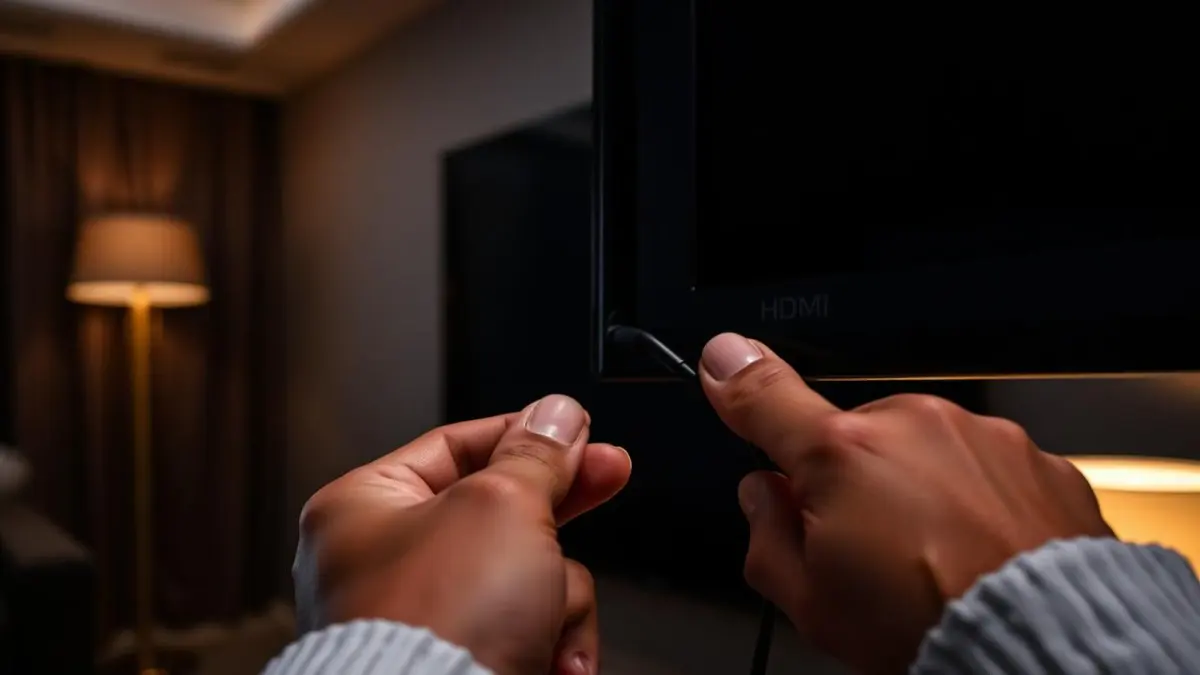
HDMI devices negotiate resolution, refresh rate and copy protection every time they connect. If any part of that negotiation fails, you get 'No Signal' even though the cable is perfectly fine. Reset the negotiation before you replace hardware.
The fix order
- 1
Full power drain
Switch the TV, the source device and any soundbar or receiver off at the wall. Wait two minutes. Standby power keeps the old handshake state alive, so a remote-control power cycle is not enough.
- 2
Power on in the right order
Display first, then the receiver or soundbar, then the source device last. The source needs something to negotiate with.
- 3
Take everything else out of the chain
Connect the source straight to the display. If it works, the fault is your soundbar, receiver or HDMI switch — usually because it does not support the resolution or HDR mode the source is trying to output.
- 4
Change the port
Try a different HDMI input. Ports do fail individually, and on many TVs only one or two ports support the full bandwidth for 4K at 120 Hz or eARC.
- 5
Try a known-good cable
Test with a cable you have seen work at the same resolution. Long, thin or very old cables often carry 1080p perfectly and fail completely at 4K.
Amazon Basics Ultra High Speed HDMI Cable (48 Gbps, 2m)
Certified for 4K at 120 Hz and 8K, and cheap enough that replacing a suspect cable is a no-brainer. This is exactly the rating you need — nothing pricier helps.
Around $10
Affiliate link — we may earn a commission
If the picture appears then drops out
- Lower the source's output resolution or refresh rate one step and see if it stabilises
- Turn off the TV's enhanced HDMI mode (called Deep Colour, HDMI UHD Colour or Input Signal Plus depending on brand), then re-enable it once stable
- Shorten the cable run; beyond about five metres passive cables become unreliable at 4K
- Disable HDMI-CEC temporarily, since device-control commands can trigger renegotiation mid-stream
Audio present but no picture
This points at HDCP copy protection rather than the cable. Streaming sticks and consoles will pass audio but refuse video if the protection handshake fails. Bypass the soundbar, connect direct, and if that fixes it, run audio back to the soundbar over eARC instead of passing video through it.
Monitor-specific notes
- On a laptop, press the display-switch key combination — the output may simply be set to laptop screen only
- USB-C to HDMI adapters must support DP Alt Mode; many cheap ones are charge-only
- Docks have their own bandwidth limits; two 4K displays through one dock frequently exceeds them
Frequently asked questions
- Do expensive HDMI cables give a better picture?
- No. The signal is digital — it either arrives intact or it fails visibly. Buy the correct rating for your resolution and ignore price beyond that.
- Why did it work yesterday and not today?
- A firmware update on the TV or the source changed what each device advertises, and the saved handshake no longer matches. The full power drain in step one resolves it.
DailyHubware may earn a commission from links in this guide. It never affects which products we recommend or what we tell you to try first — the free fixes always come before any purchase.